
How to Generate Yield, Stake, and Spend Crypto via Ledger Wallet 4.0*

| KEY TAKEAWAYS: |
| — Ledger Wallet™ 4.0 scans your portfolio to identify idle assets and highlight available earning opportunities. — Every transaction in Ledger Wallet™ 4.0 includes a clear cost breakdown, so you understand network fees, service fees, and approvals before signing. — The CL Card, managed via Ledger Wallet™ 4.0, lets you spend your digital assets for everyday shopping and earn cashback rewards. |
Many digital asset holders manage their portfolios with a set-and-forget mentality, overlooking the opportunities to earn yield or even spend their funds for everyday shopping transactions, like groceries or gas, and earn cashback rewards.
In many cases, assets remain idle because when faced with complicated processes – switching between platforms or interpreting fragmented information – the default option is the simplest.
Even when an opportunity to employ your assets is identified, it can still be difficult to understand the costs involved, how to keep up with changes, or how to spend assets in everyday situations without complexity.
Ledger Wallet™ 4.0 is designed to reduce this friction by bringing these opportunities into one interface while ensuring you maintain full control and security through transaction verification with your Ledger signer.
From Holding to Acting: What Control Looks Like
Holding assets does not automatically mean using them effectively.
Control comes from understanding what you might do with your assets and being able to act on that information. This includes knowing which assets are inactive, what actions are available based on your holdings, what each action costs, and when changes require your attention.
Ledger Wallet 4.0 structures these steps into a continuous process. Instead of switching between tools or interfaces, you move from identifying opportunities to approving transactions within the same environment. At each step, your Ledger signer verifies the details of the transaction before you approve it.
How Ledger Wallet 4.0 Helps You Earn and Use Your Crypto**
Ledger Wallet 4.0 introduces a more action-oriented way to manage your portfolio.
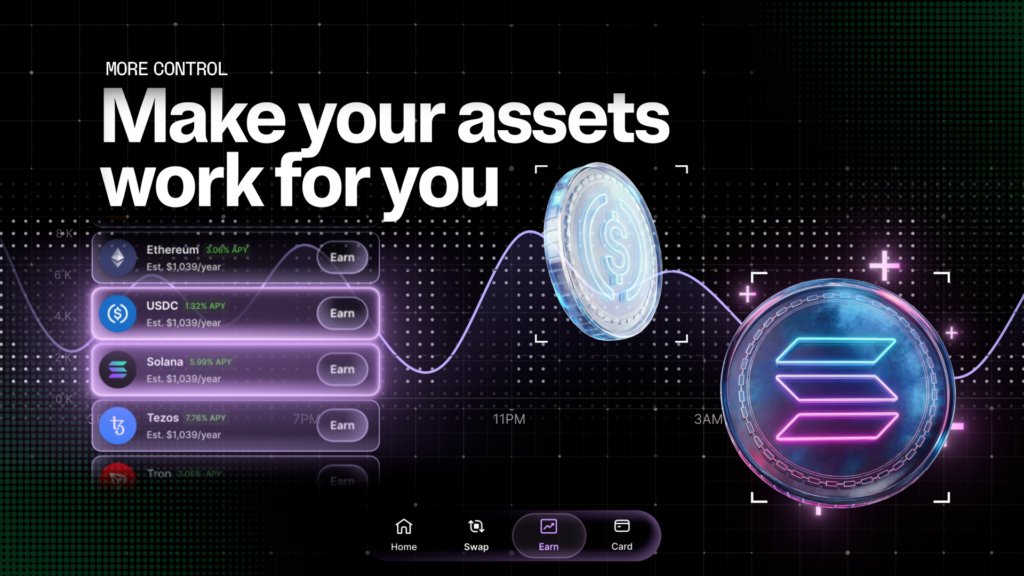
Instead of showing balances alone, the app now highlights the opportunities to put your asset to work / potentially receive rewards. The Earn tab reviews your holdings and highlights assets that may be eligible for staking or rewards.
This allows you to move from holding assets to making decisions without searching across multiple services or taking unnecessary risks.
Step 1: Identify Earning Opportunities in Your Crypto Portfolio*
The Smart Portfolio Scan evaluates your actual holdings and identifies assets that are not currently being used. Instead of presenting a generic list of opportunities, it highlights what is relevant to your portfolio.
For example, if you hold assets that are eligible for staking or rewards but are inactive, the app surfaces those assets and shows what actions are available.
This includes:
- identifying idle assets that could generate rewards
- displaying eligible earning opportunities based on your holdings
- highlighting potential rewards linked to those assets
The experience adapts depending on your portfolio state. If you have assets that can earn rewards, the interface focuses on what you are currently missing. If you have not yet allocated assets, it provides guided entry points to start.
This reduces the gap between holding assets and acting on them, without requiring you to search across multiple services.
Stablecoin holders have access to Midas Vaults, offering different strategies to earn yield directly from your portfolio. If you hold Bitcoin, integrations with Lombard and Figment help you earn yield on your BTC without selling it or moving it to an exchange.
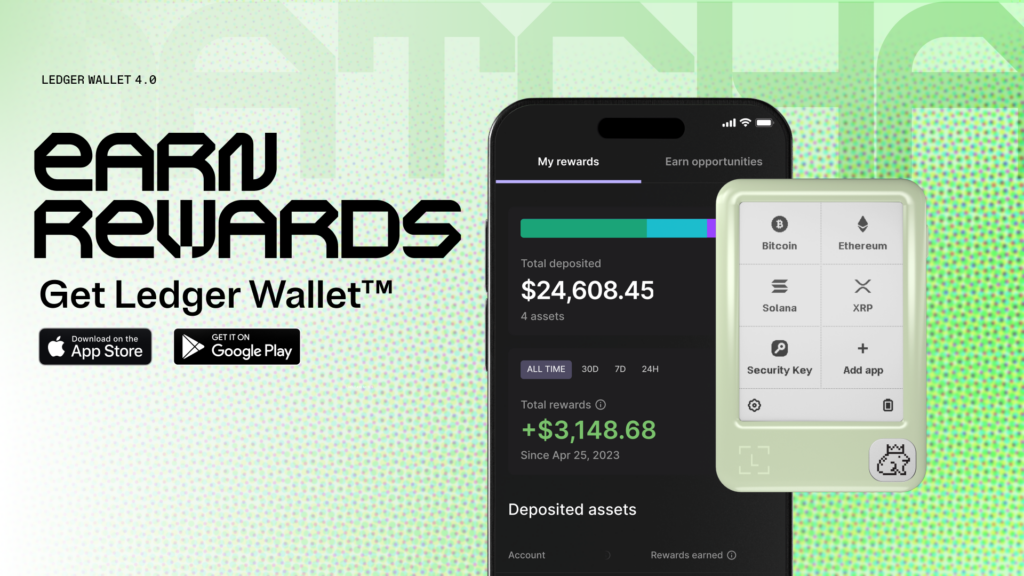
The Earn tab also tracks your active positions in one place, showing all‑time rewards, current deposits, and estimated yearly rewards at a glance.
If you don’t yet hold any investable assets, the Earn tab guides you to your first purchase with clear next steps.
Step 2: Understand Transaction Fees Before You Sign
After identifying an opportunity, the next step is deciding whether to act.
Transaction costs can be difficult to interpret, especially on networks like Ethereum. A high fee is often assumed to come from the app, while most of the cost is set by the network.
Ledger Wallet 4.0 makes this visible before you approve a transaction.
Each transaction includes a breakdown for network costs (gas), service fees, and Token Approvals for certain transactions.
This information is presented before you sign the transaction with your Ledger signer.
By separating these components, you can understand what you are paying and why. This allows you to make decisions based on complete information, rather than assumptions.
Step 3: Track Price Changes and Transactions
Managing assets also depends on timing.
Market conditions, rewards, and transaction statuses can change quickly. Monitoring these manually requires constant checking, which is not always practical.
Ledger Wallet 4.0 introduces Smart Notifications to support proactive monitoring.
You can configure alerts for selected assets and receive updates on price movements, rewards, and transaction activity. For example, you could set price alerts and receive push notifications when Bitcoin reaches your target price, allowing you to act without watching charts all day; or even get updates each time your staking rewards are distributed, so you’re always updated on your progress.
Instead of manually tracking changes, the app surfaces relevant information when it requires your attention.
Step 4: Spend Crypto in Everyday Payments
In addition to managing and earning rewards from your assets, you may also want to spend them. This is where the CL Card fits in.
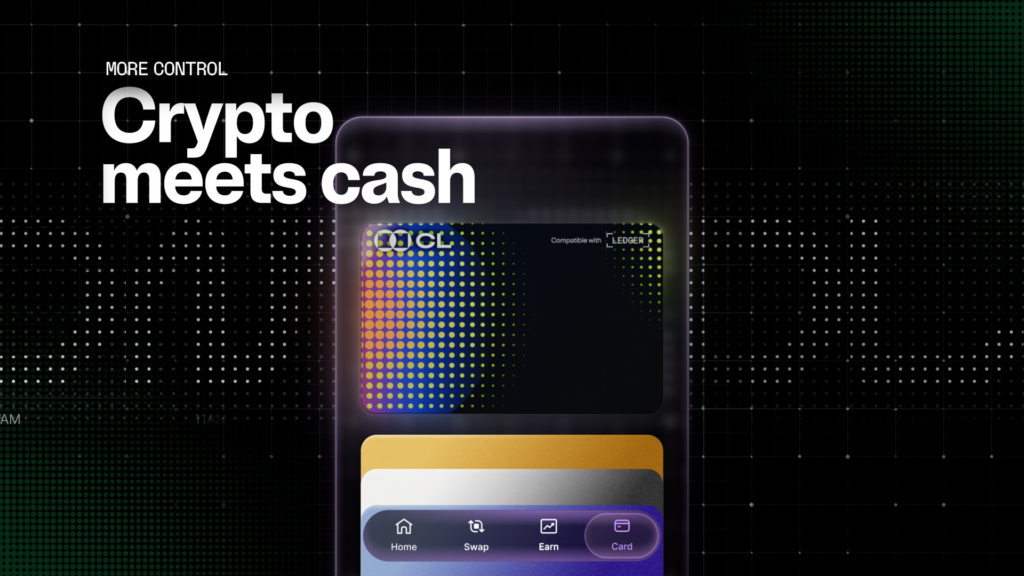
The CL Card serves as your worldwide crypto debit card, allowing you to spend your crypto for everyday transactions and earn cashback rewards on your in-store or online purchases.
You can use the CL Card in two ways: top it up with crypto and spend like a regular debit card (earning cashback), or borrow against your crypto without selling it.
If you choose to borrow, you have two options: Cryptodraft, a revolving credit line with interest‑free loans on the first 10%***, or StableLoan, which lets you borrow stablecoins directly against your Bitcoin or Ethereum.
As with other actions in Ledger Wallet 4.0, costs are clearly presented before you proceed, including currency conversion and spend fees. This follows the same transparency model used across the app.
This extends control beyond managing assets to using them in real-world situations.
How Ledger Wallet and Ledger Signers Secure Your Transactions
Ledger Wallet provides access to services such as earning, swapping, and spending.* Ledger signers verify and approve every transaction. Ledger’s Clear Signing integrations across its ecosystem ensure that you can clearly read and comprehend transactions you’re about to sign in plain language. Furthermore, your signer can also assess and report malicious contracts to you with Ledger’s Transaction Check feature.
This setup means that before any action is completed, you’ll be able to review the transaction details on a secure screen and confirm them yourself, so you’ll remain in control of every approval.
Your assets are not stored on the device. The Ledger signer is used to sign transactions securely.
Conclusion
Ledger Wallet™ 4.0 structures digital asset management into a clear process.
The new functionality shows you what your assets can do, any associated cost while keeping you informed about changes to your portfolio or the wider market, and allowing you to spend your assets whenever you like and earn rewards**.
At every step, you verify and approve transactions on the secure screen of your Ledger signer protected by Clear Signing.
This allows you to manage and use your digital assets while maintaining full control, free from compromise.
This article is provided for educational purpose only and does not constitute financial advice. Crypto transaction services available via Ledger WalletTM are provided by third-party providers. Ledger provides no advice or recommendations on use of these third-party services. Ledger acts solely as technology provider.
Disclaimers:
* Crypto transaction services are provided by third-party service providers. Ledger provides no advice or recommendations to use any of these third-party services.
** Rewards are not guaranteed. Ledger does not provide any financial advice or recommendation.
*** Subject to change based on third-party provider terms
