Wichtige Tipps für Hardware-Wallets

| KEY TAKEAWAYS: |
| — Never ever share your 24-word secret recovery phrase, also known as a seed phrase, in any form, with anyone. — Keep your Recovery sheet physically secure to ensure you don’t accidentally lose or destroy it. — Don’t store a copy of your seed phrase online or anywhere potentially viewable to strangers. |
Es kann etwas schwierig sein, sich an die Eigenverwahrung zu gewöhnen, aber wir helfen Ihnen dabei. Hier sind unsere wichtigsten Tipps für Hardware-Wallets.
Hardware wallets empower you with self-custody of your crypto. That means absolute ownership and control of your coins, tokens and NFTs. But with great power comes great responsibility: self-custody requires a firm understanding of your environment and the risks you face. Using a hardware wallet doesn’t make you invincible against social engineering, physical threats, or human error. So what kind of risks should you be aware of when using a hardware wallet? Let’s tackle a few of the most important threats, so you can start transacting with confidence.
Your Hardware Wallet Relies on the Security of Your Secret Recovery Phrase (Seed Phrase)
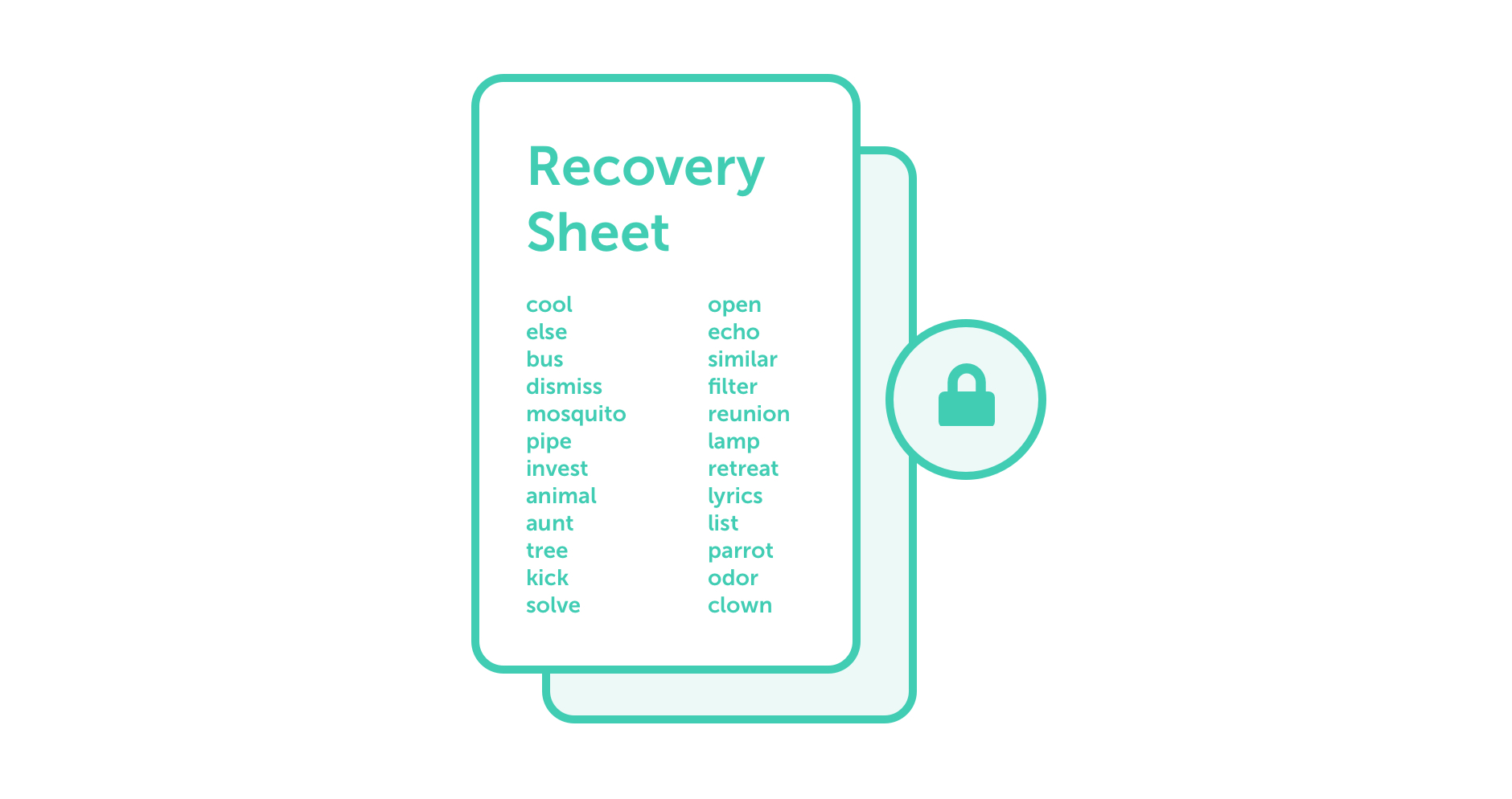
When initializing your hardware wallet for the first time, you will be prompted to write down 24 words on a Recovery sheet. These 24 words are called a seed phrase, or Secret Recovery Phrase. Essentially, these words are a human-readable backup from which all your private keys are derived. They are used to restore access to your crypto assets on another Ledger device or any other compatible wallet.
Ledger’s recovery sheet contains the 24-word secret recovery phrase. This unique list of words is generated by your hardware wallet.
Why do you need a seed phrase?
There are two basic reasons why you would need access to your secret recovery phrase (seed phrase):
- Loss or destruction of your hardware wallet: you can enter your seed phrase on a new device to recover full access to your crypto assets;
- Cloning to a new device: by entering your 24 words on another device, you’ll be in possession of two hardware wallets you can use independently. Another reason to clone a device would be when upgrading to a newer model.
The seed phrase is essentially a very powerful backup of all your crypto assets, enabling you to access everything you own from any device. The only problem? It permits absolutely anyone in possession of that phrase to do the same thing. Anyone getting access to these 24 words would get immediate access to your crypto assets, and that makes it an extremely sensitive piece of data.
Therefore, it is of the utmost importance that your recovery phase is correctly secured. Any compromise, at any time, could lead to catastrophic losses;
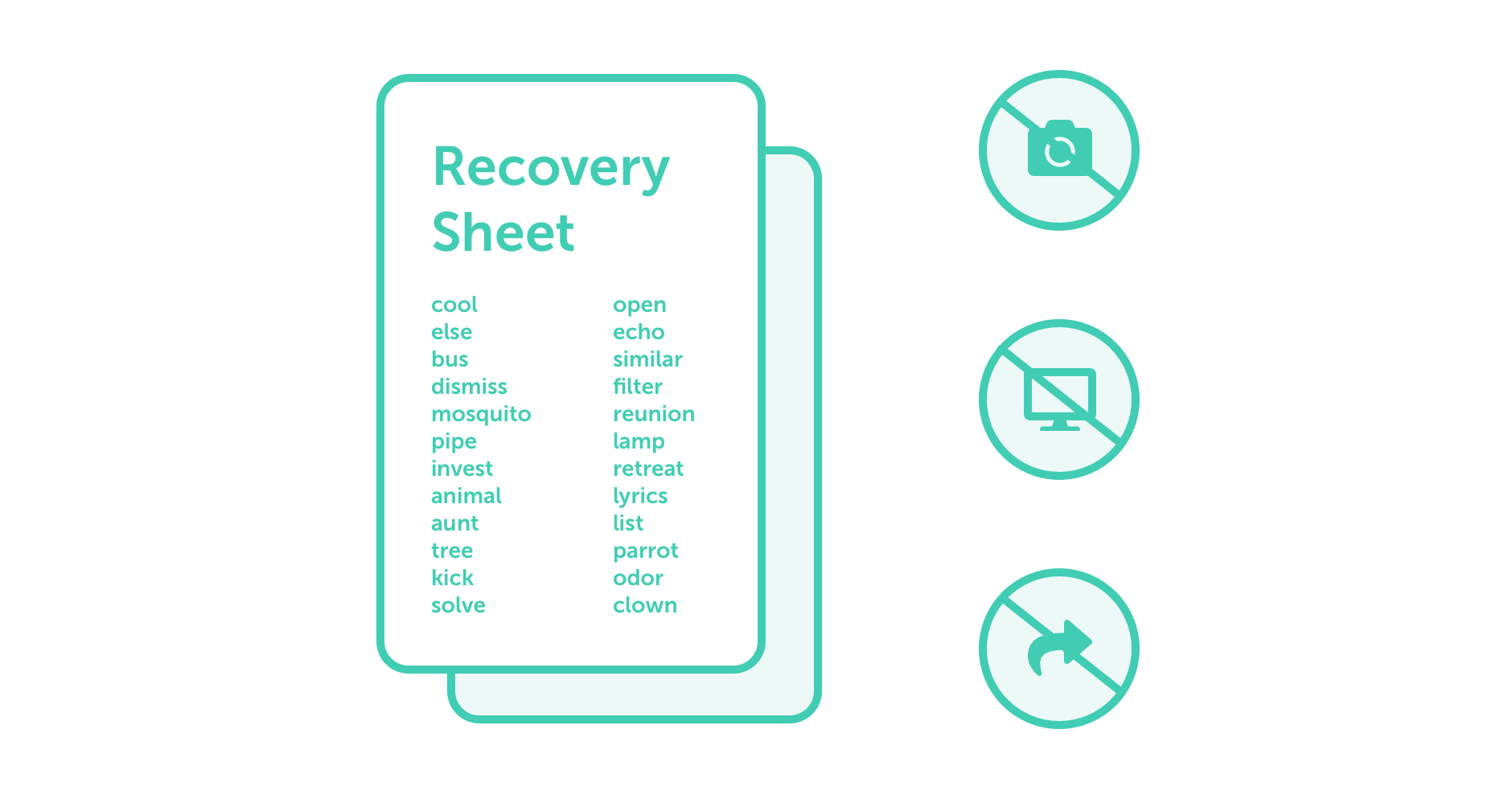
- Never take a picture of your Recovery sheet
Your smartphone is not safe and, worse, it could get automatically uploaded to your cloud storage; - Never enter your recovery phrase on any computer or smartphone
You could have keyloggers, and storing this information online (even encrypted) completely defeats the purpose of using a hardware wallet; - Never show or share your 24 words to anyone
If you do decide to share, be fully aware that they have potential access to all your crypto assets, anytime, and without an easy way of revoking access; - Keep your Recovery sheet in a safe place
If it gets destroyed for any reason, you must immediately move your crypto to a newly set up hardware wallet
Es ist außerdem unabdingbar, dass Sie die 24-Wort-Wiederherstellungsphrase selbst erstellen. Verwenden Sie niemals ein vorkonfiguriertes Gerät. Sie müssen sich vergewissern, dass Sie der einzige Mensch auf der Welt sind, der diese konkrete Wiederherstellungsphrase kennt.
Da die Verfügbarkeit Ihrer Wiederherstellungsphrase von entscheidender Bedeutung ist, sollten Sie sicherstellen, dass Sie sie tatsächlich korrekt notiert haben und sie wirklich fehlerfrei lesen können.
General Safety Principles
Die Einrichtung einer Hardware-Wallet mit einer verifizierten Sicherungskopie an einem geschützten Ort mag Sie vor digitalen Angriffen schützen, aber Sie sind nach wie vor anfällig für potenzielle physische Bedrohungen wie einen Einbruch oder eine Geiselnahme. Deshalb müssen Sie folgende Grundregeln beachten:
- Never tell anyone that you own cryptocurrencies. If you do, make sure to keep the real value of your assets to yourself
- If you are active in the online cryptocurrency community, protect your real identity and always be mindful of the information you share.
- Do not keep your Recovery sheet in a safe at home. A bank vault is much more secure. Not having immediate access to your backup increases your resilience to physical threats;
- If you have large amounts of cryptocurrencies that you do not need frequent access to, keep your hardware wallet in the bank safe as well. You can use another hardware wallet with lower amounts for frequent use;
Security Steps To Verify Your Receiving Address
Wenn Sie Ihre Empfangsadresse weitergeben müssen, um Zahlungen empfangen zu können, müssen Sie zusätzliche Vorsichtsmaßnahmen ergreifen, um sicherzustellen, dass Sie nicht Opfer eines Man-in-the-Middle-Angriffs werden. Ein Angreifer, der die Kontrolle über Ihren Computerbildschirm hat, könnte Ihnen eine falsche Adresse anzeigen, die ihn zum Nutznießer aller dorthin gesendeten Transaktionen machen würde.
You must verify the recipient address shown on your screen by displaying it on your device.

Wenn Sie eine Empfangsadresse auf Ledger Live anfordern, werden Sie aufgefordert, Ihre Hardware-Wallet zu verbinden und die entsprechende App zu öffnen. Die Adresse wird dann auf dem sicheren Display Ihres Geräts angezeigt und Sie können sich vergewissern, dass sie mit der Adresse auf Ihrem Bildschirm übereinstimmt.
If you are using a software wallet (many third-party applications are compatible with Ledger devices), we recommend sending a small amount first, to make sure that you have properly received it. This test should ideally be done on another computer. You can reuse the address that you have just verified for the test.
Beware of Blind Signing!
When you’re transacting with crypto, you will usually see the details of your transaction on a web page, on the screen of your computer or phone. But since that device itself is connected to the internet, the display could have been tampered with by a hacker. In short, it’s never possible to know for sure what you’re agreeing to when viewing the details on a connected device – this is known as blind signing, one of the biggest security issues for crypto users.
To prevent falling victim to this attack, always verify the transaction details on the Trusted Display of your Ledger device before approving the transaction. Your Trusted Display is completely isolated from your internet connection, which means it cannot be tampered with by hackers. The result? You can always trust the details you see on your Ledger device, and verify that your transaction is safe.
Crypto self-custody requires discipline. Having a Ledger hardware wallet might not make you invincible – but heeding our essential self-custody tips will help you avoid scams and mistakes as you explore everything blockchain has to offer.
Knowledge is Power.